5 Best AI Search Engines Free to Use [in 2026]
I tested the best free AI search engines to see which ones truly enhance the traditional search experience. Here are my top picks at Best AISO!
![5 Best AI Search Engines Free to Use [in 2026]](https://cdn.hashnode.com/uploads/covers/5f8dd1613432643d6b92c06c/24a3c9c1-55ec-4979-a690-f4793f6b4b4b.jpg)
My name is Suresh. I’m an AI-powered marketing professional based in India. I have over 15 years of experience working in online marketing. I am passionate about technology, entrepreneurship and writing. I am currently exploring AI search and marketing strategies. Read more on Suresh.tech and Aiso.blog.
AI is changing the way people find information online. Rather than sorting through a page of links, you can now ask a question in everyday language and receive a conversational response, often accompanied by sources or links for further exploration.
In this guide, we compare five popular AI-powered search tools: ChatGPT, Google AI Mode, Bing AI, Duck AI, and Perplexity, to demonstrate their strengths and help you select the best tool for your needs, whether for research, everyday questions, or web exploration.
Quick answer: Google AI Mode is useful for exploring complex questions within Google Search. ChatGPT Search is helpful when you want to ask follow-up questions in a chat. Copilot Search provides AI summaries and cited sources in Bing, while Duck.ai lets you ask questions in an AI chat and move from DuckDuckGo Search Assist into a conversation. Perplexity is another good option for answers with visible citations.
5 Free AI search engines at a glance
| Tool | Best for | How it presents answers | Free access |
|---|---|---|---|
| ChatGPT Search | Conversational web searches and follow-up questions | Chat responses with links to web sources | Search is available on the free ChatGPT plan, with limits that may vary |
| Google AI Mode | Exploring detailed questions in Google Search | AI-generated responses with links and follow-up questions | Availability and features can vary by region, language, and account |
| Copilot Search in Bing | AI summaries alongside Bing search | Summarized answers with cited sources and suggestions for further exploration | Available through Bing; feature access can vary |
| Duck AI | Asking questions in an AI chat and continuing from search | Chat responses from selected AI models | Free model access is available; usage limits may apply |
| Perplexity | Quick answers with citations | Search answers with citations linked to sources | Free plan includes search and citations, with limits on some features |
Top 5 Free AI Search Engines in 2026: ChatGPT, Google, Bing & More
I tested the best free AI search engines to see which ones truly enhance the traditional search experience. Here are my top picks:
1. ChatGPT
ChatGPT is a free AI search engine that allows you to chat, work, create, and code. Use ChatGPT to answer questions, write, generate images, finish projects, and code, all in one place. Get started without sign up for free or download the app.
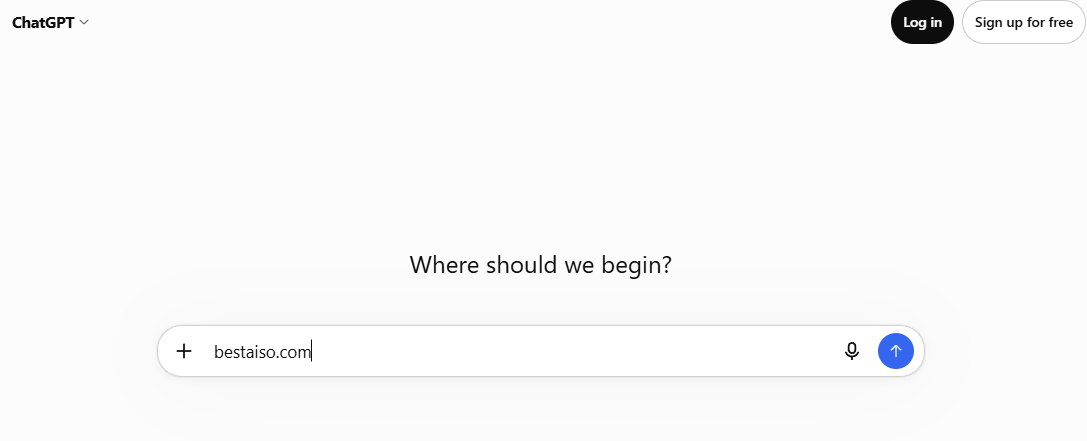
ChatGPT receives approximately 8.23 billion visits each month. Source: https://bestaiso.com/chatgpt-statistics
For example, I started with the Best AISO search.
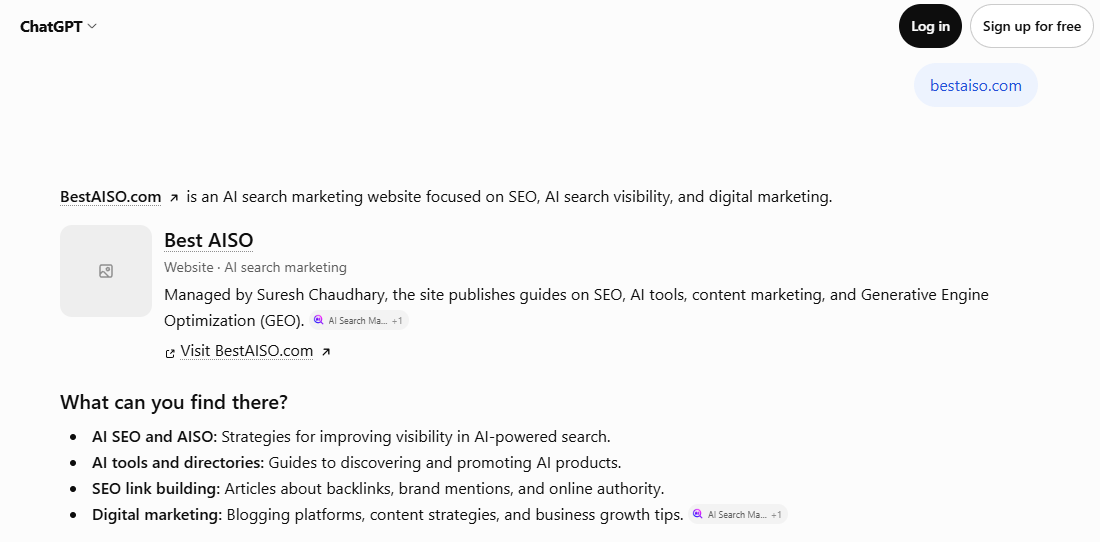
What can you find there? (As per ChatGPT)
AI SEO and AISO: Strategies for improving visibility in AI-powered search.
AI tools and directories: Guides to discovering and promoting AI products.
SEO link building: Articles about backlinks, brand mentions, and online authority.
Digital marketing: Blogging platforms, content strategies, and business growth tips.
According to my ChatGPT research, 5 best articles to read first:


Link: https://bestaiso.com/aiseo-insights-that-matter-for-business



ChatGPT is a more general AI assistant with search capabilities, while the others in the list offer AI features that are more directly tied to search. You can also try this AI search engine for free.
ChatGPT Official Website Link: https://chatgpt.com/
2. Google AI Mode
Google AI Mode is a dedicated conversational search interface integrated directly into Google Search.
Powered by the Gemini model family, it acts as an "answer engine," synthesizing information from across the web to provide a single, comprehensive response rather than a standard list of website links.
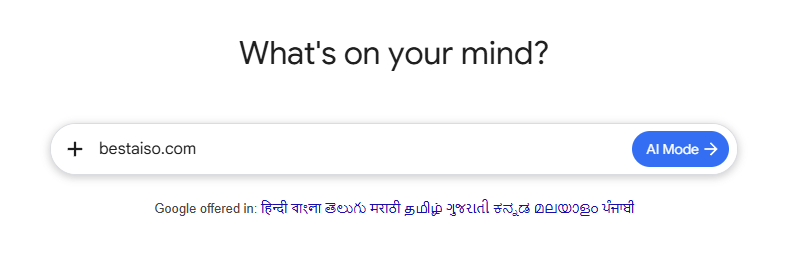
Google receives approximately 108.9 billion visits each month.
For example, I used the AI mode to find out the free DR checkers.
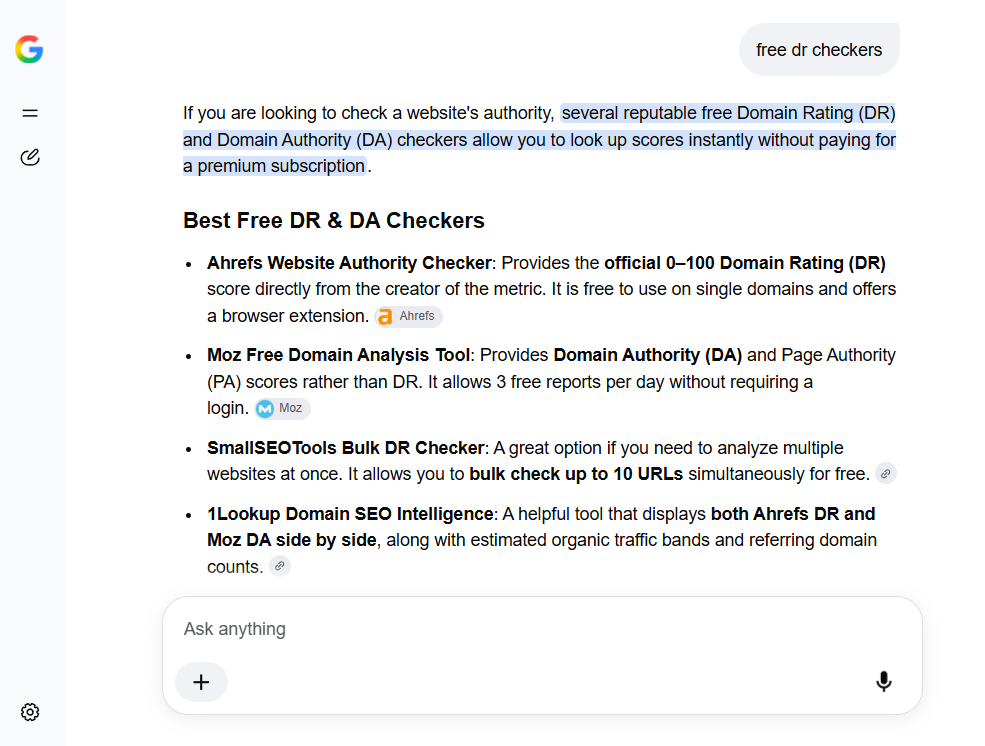
The Google AI-powered search engine provided direct answers to my query by suggesting the Ahrefs website authority checker and the Moz free domain analysis tool. I also created a post discussing the best free options for checking website DR on Best AISO.
I found the metric data useful in understanding DR. Sharing here for your reference.
| Metric | Provider | What it Measures | Scale |
|---|---|---|---|
| Domain Rating (DR) | Ahrefs | Relative strength and quality of a website's external backlink profile. | 0 to 100 (Logarithmic) |
| Domain Authority (DA) | Moz | A machine-learning score predicting how likely a website is to rank on search engine results. | 0 to 100 (Logarithmic) |
The list of sources is included in the AI-generated response. Here is a screenshot for your reference.
With this popular free AI search engine, I can also ask follow-up questions and receive instant answers.
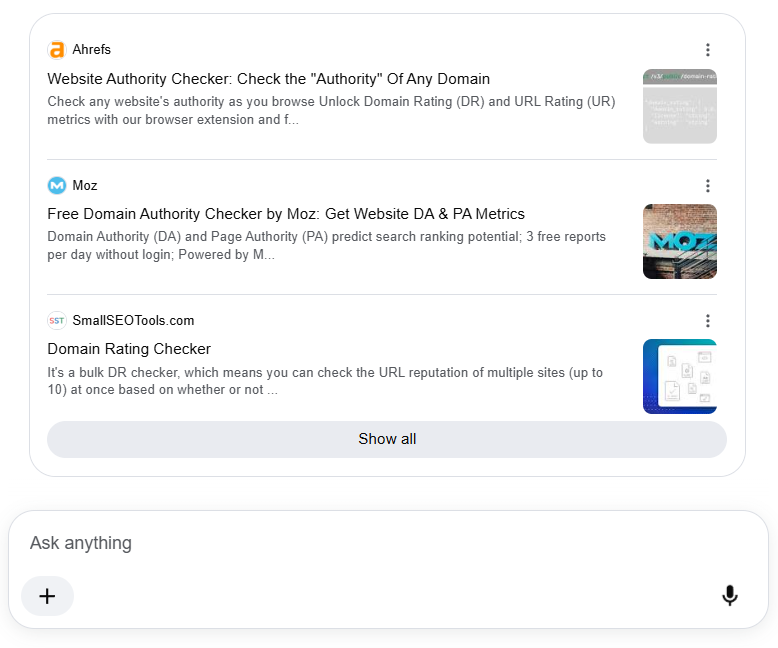
You can try out AI Mode for free to get quick answers. Just visit https://www.google.com/ and click on AI mode.
3. Bing AI Mode
Bing AI Mode is Microsoft’s AI-powered, conversational search experience that combines web searches with generative reasoning to provide clearer, more helpful, and more interactive answers.
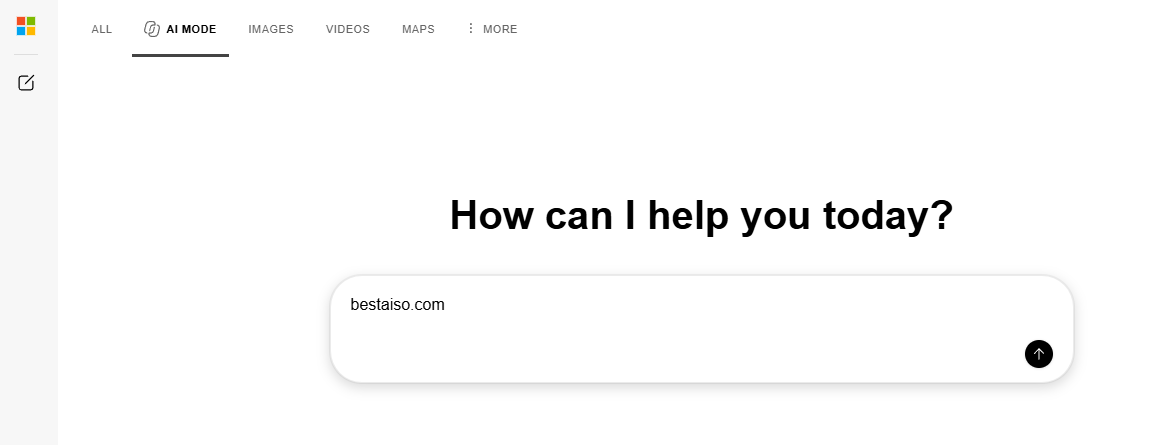
For example, I used the AI mode to find out the ai blogging tools.
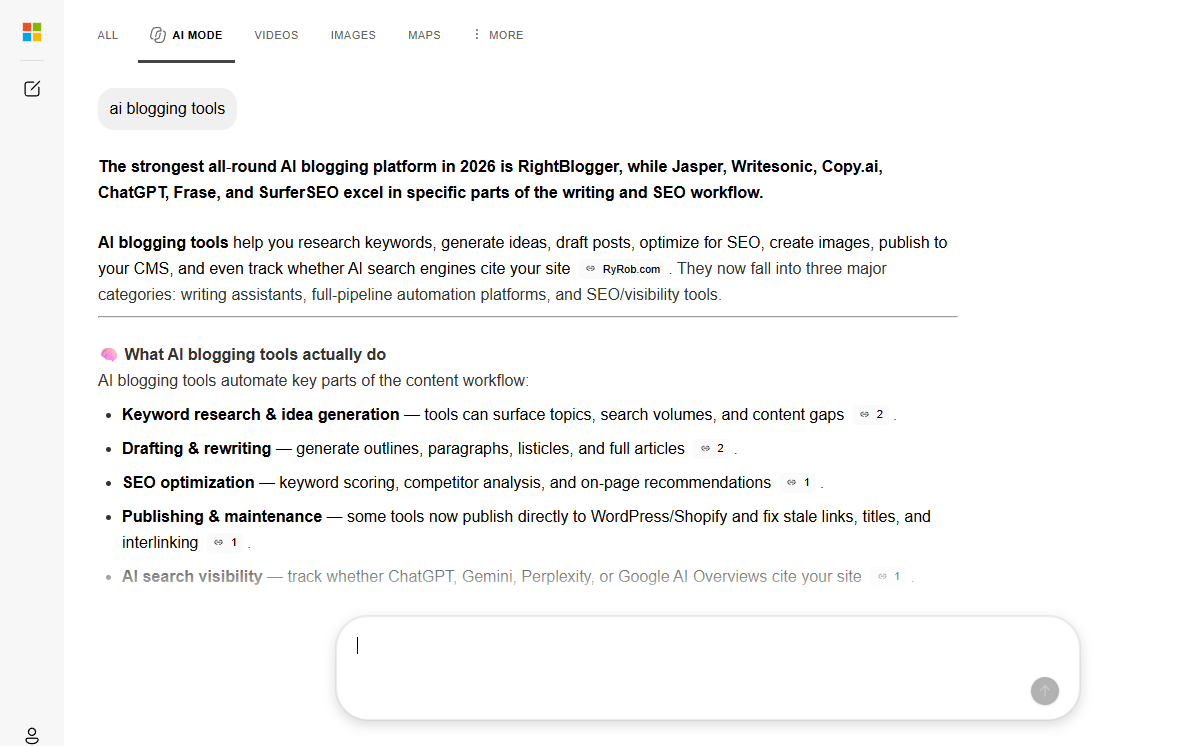
The Bing AI-powered search engine provided direct answers to my query by suggesting the Rightblogger and Frase.
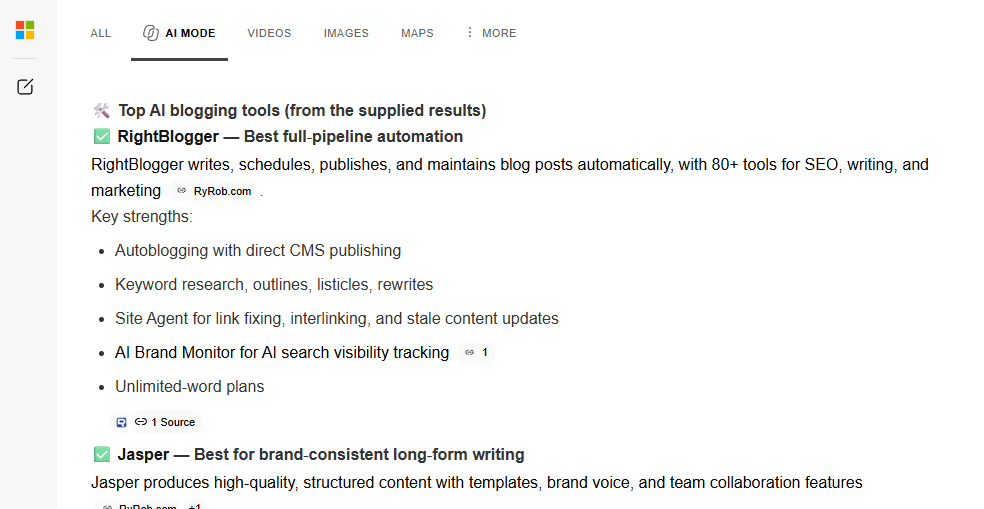
I also created a post discussing the best ai blogging software options for creating articles on Best AISO.
What Bing AI Mode Does
Bing AI Mode combines search, AI reasoning, and content generation into a single experience.
It searches the web in real time and summarizes information into clear, sourced answers.
It understands conversational questions, so you can ask naturally, such as, "Which phone is better for night photos?" It handles multi-turn conversations and remembers context within the session.
It creates and refines text, such as emails, summaries, outlines, and explanations.
It compares options, explains trade-offs, and helps users think through decisions.
It provides citations for facts retrieved from the web.
It is designed to feel like talking to a knowledgeable assistant who can search the internet for you.
How It Differs from Regular Bing Search:
Bing AI Mode is not just a list of links. It:
Synthesizes information instead of only retrieving it.
Explains concepts in detail with structure and clarity.
Lets you ask follow-up questions to refine the answer without starting a new search.
It generates content, which traditional search does not do. It adapts to your intent, whether you want facts, comparisons, summaries, or creative text.
Traditional search = links.
Bing AI Mode = conversation + reasoning + search + synthesis.
You can try out Bing AI Mode for free to get quick answers. Just visit https://www.bing.com/copilotsearch and start your Bing AI search.
4. Duck AI by DuckDuckGo
Duck.ai is DuckDuckGo’s privacy‑focused conversational AI that you can use as an AI‑driven search assistant. It keeps your queries anonymous, runs the model inside a Trusted Execution Environment, and does not retain chat content.
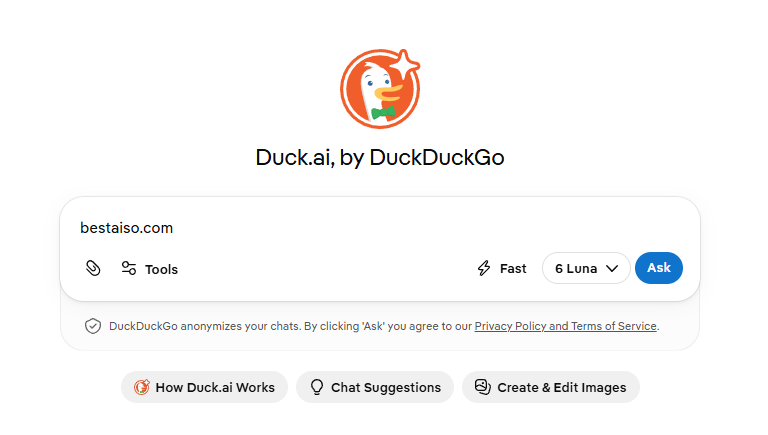
To use DuckDuckGo as an AI-assisted search engine, you can:
Use Search Assist. Search as you normally would. Search Assist generates a short answer from relevant web pages and links to sources alongside regular search results. Select "More" to expand an answer. Ask follow-up questions in Duck.ai.
You can continue exploring a Search Assist answer by asking questions in Duck.ai or start a new chat and ask for a summary or comparison of the information you found. Check the linked sources.
Treat AI answers as a starting point. Open the citations or search results to read the underlying material. Search Assist and Duck.ai are separate features.
Search Assist adds sourced answers to search results, while Duck.ai provides a conversational chat experience.
Use ChatGPT, Claude, and other AIs privately. Protect your chats from hackers, scammers, and companies. Keep your information confidential. Free. No account required. Link: https://duck.ai/
5. Perplexity (Signup is required)
Perplexity is a free, AI-powered search engine that provides accurate and trusted answers to any question in real time.
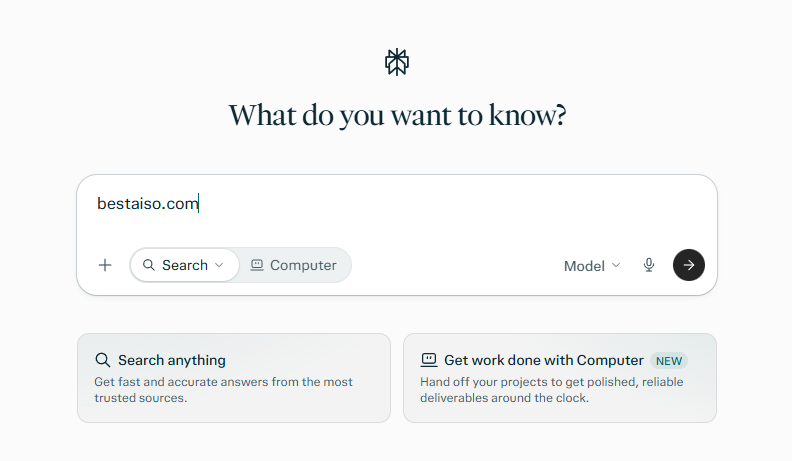
How I compared these free AI search tools
To make this comparison useful, test each tool with the same prompts and record what happens. For example, use one prompt about a current event, one question that needs a reliable source, and one comparison between products or services.
For each answer, check whether the information is accurate, whether the cited sources support the claims, how easy it is to find the original sources, and whether the tool handles follow-up questions well. Also note whether you needed to sign in and whether you reached any free-use limits during testing.
Test details: I tested these tools on October 2026 using Chrome Browser and the different set of prompts. The screenshot results in post reflect my experience at that time. Features and limits can change.
Which AI search engine is best for you?
The best choice depends on your needs. Try Perplexity if you want an answer with citations that focuses on the search.
Choose Google AI Mode if you want to explore a specific topic in more detail using Google Search. ChatGPT Search is ideal for conversational research and follow-up questions.
Copilot Search in Bing combines AI summaries with the Bing search experience. Duck.ai is better described as an AI chat tool. DuckDuckGo’s Search Assist provides AI answers in search results.
No matter which tool you use, verify the sources before relying on an answer. While AI search can save time, it can misread a source, leave out important context, or produce an incorrect summary.
Frequently asked questions
What is an AI search engine?
An AI search engine uses artificial intelligence to respond to questions with a written summary or conversational answer, often alongside links to web sources. Unlike a traditional search results page, it may combine information from multiple pages into one response.
Are AI search engines free to use?
Many AI search tools offer free access, but the features and usage limits differ. Some reserve advanced models, research features, or higher usage limits for paid plans. Check the service’s current plan details before you depend on a specific feature.
Which AI search engine gives answers with citations?
Perplexity says its answers include citations. ChatGPT Search, Google AI Mode, Copilot Search in Bing, and DuckDuckGo Search Assist can also provide links or cited sources in their search experiences. The format differs, so open the sources and check that they support the claims.
Can I trust AI search results?
Use AI search results as a starting point, not as the final word. Open the cited sources, check the dates, and compare important claims with reliable original material. This matters especially for medical, legal, financial, and breaking-news questions.
![AI Transforms Search into SEO, AEO, and GEO [New Marketing Layers]](https://cdn.hashnode.com/uploads/covers/5f8dd1613432643d6b92c06c/f01c623b-e13d-4440-84cf-7890c6643a81.jpg)
![[Roundup Post Study] The AI Content Crisis in SEO at Best AISO](https://cdn.hashnode.com/uploads/covers/5f8dd1613432643d6b92c06c/8651a995-49f9-421d-a9c1-c639409ca3e3.jpg)